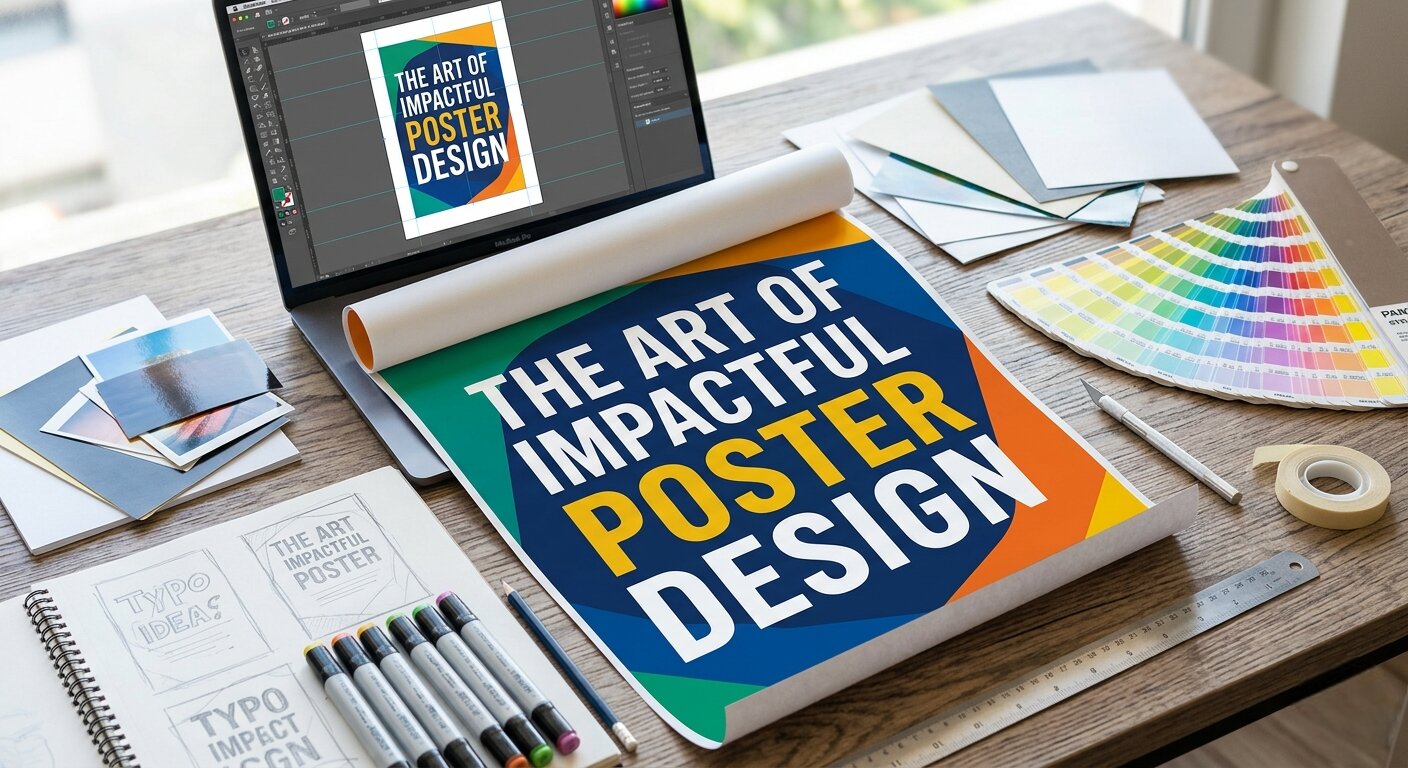

In a world saturated with digital ads, the physical world still has a secret weapon: the Poster Design. Whether it’s a concert announcement, a corporate event, or a retail promotion, a well-executed poster stops people in their tracks. As a designer, I’ve learned that a great Poster Design isn’t just about making things “look pretty”—it’s about strategic visual communication.
In this masterclass, we will explore everything from the psychology of color to the technical print specs you need to master.
1. The Power of Visual Communication
Why do we still use posters in 2026? Because they possess a “physical permanence” that digital ads lack. A digital post on Instagram disappears in seconds; a well-designed poster on a community board or storefront stays in the subconscious.
-
The Three-Second Rule: A successful Poster Design must grab attention within three seconds. If a passerby can’t understand your message at a glance, the design has failed.
-
The Emotional Hook: Good posters evoke a feeling. Whether it’s excitement, urgency, or elegance, your choice of imagery and typography dictates the mood.
2. Fundamental Principles of Poster Design
If you want to create professional work, you must master the core tenets of layout.
A. The Hierarchy of Information
You can’t emphasize everything. If you try to make every word large, nothing stands out.
-
Level 1 (The Hook): The headline or the primary image. This is the “What.”
-
Level 2 (The Details): The “When,” “Where,” and “Why.”
-
Level 3 (The CTA): The “How.” (e.g., a QR code or website link).
B. The Rule of Thirds and Grids
Never place elements randomly. Use a grid to ensure your Poster Design feels balanced. Even if you are designing a “chaotic” artistic poster, the underlying structure should be rock-solid to ensure the viewer’s eye flows logically from top to bottom.
3. Typography: The Voice of Your Poster
Typography is the loudest element of your design.
-
The “Two-Font” Rule: For most posters, stick to two fonts—one for the headline and one for the body text.
-
Readability at Scale: Remember, your Poster Design will likely be viewed from a distance. If your headline isn’t readable from 5 to 10 feet away, it’s too small or too thin.
4. Color Psychology
Colors aren’t just for decoration; they are tools for persuasion.
-
Warm Colors (Red, Orange, Yellow): Create urgency and energy.
-
Cool Colors (Blue, Green, Purple): Promote trust and professional stability.
-
High Contrast: Always ensure the background and the text have high contrast. White text on a dark background or black text on a light background is the gold standard for readability.
5. Designing for Print vs. Digital
When I work with clients, the first question is always: “Where will this live?”
-
Print Requirements: Always design in 300 DPI (dots per inch) and CMYK color mode. If you design in RGB, your colors will shift when printed, leading to disappointing results.
-
Bleed and Margins: Always include at least 3mm (0.125 inches) of bleed to ensure that your design goes all the way to the edge of the paper without white gaps.
6. The Digital Bridge: QR Codes and Hybrid Marketing
In 2026, the Poster Design should be a portal to your digital presence.
-
The QR Code Strategy: Don’t just slap a QR code in the corner. Frame it. Give it a call to action: “Scan for 20% off” or “Scan to RSVP.”
-
Tracking Results: Use UTM-tagged links in your QR codes so you can see exactly which physical poster location is driving the most traffic to your client’s website.
7. My Creative Workflow (How I Design)
My process for creating a custom Poster Design involves:
-
Brief Analysis: Understanding the client’s goal and target audience.
-
Mood Boarding: Gathering inspiration that matches the brand voice.
-
Sketching: Getting the layout right before touching the software.
-
Refining: Selecting the perfect font and color palette in tools like Canva or Illustrator.
-
Quality Control: Checking for alignment, resolution, and typos.
8. Why Hire a Professional Designer?
You might think, “I can just use a template.” While templates are great, they are generic. A custom Poster Design ensures that:
-
Your brand identity remains consistent across all materials.
-
The hierarchy of information is optimized for your specific message.
-
The technical print specifications are handled correctly, so you don’t waste money on bad prints.
Need a Poster That Gets Results?
Whether you need a flyer for a local event, a poster for a grand opening, or a complete branding overhaul, I bring a mix of technical skill and creative strategy to every project.
My services include:
-
Custom Poster Design: From concept to print-ready file.
-
Canva Presentations: Creating branded decks that wow your audience.
-
Document Solutions: Expert-level help with Microsoft Word and Excel layouts.